

Add SabiCampus from Safari
- Open this page in Safari
- Tap the Share button
- Choose Add to Home Screen
The SabiCampus icon will appear with your other apps and open without normal browser controls.
Use SabiCampus in the browser or install the app-like experience on iPhone, iPad, Android, Windows and Mac. Your profile, connections and messages stay together everywhere.
Choose install for faster access from your home screen or desktop.
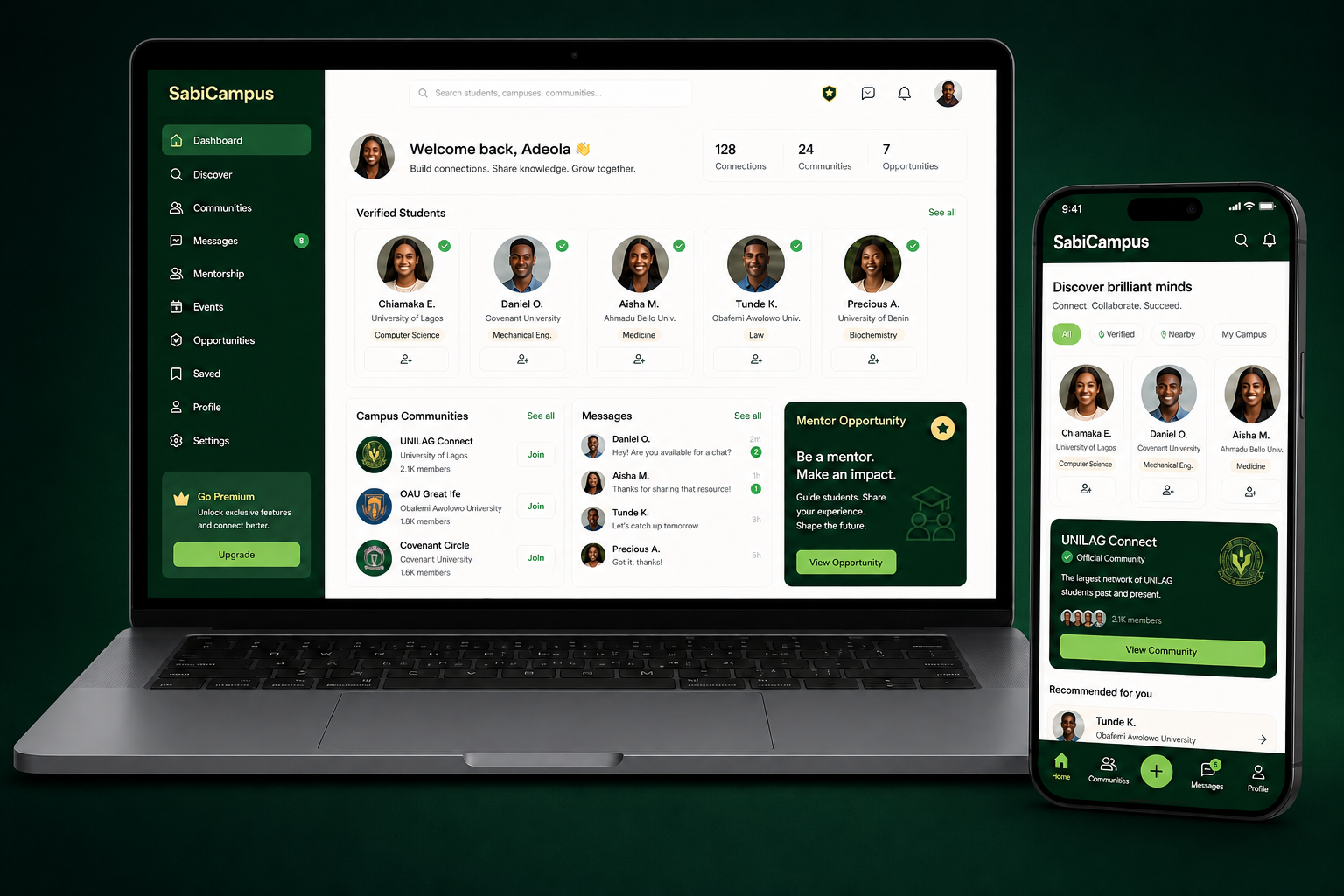 Live product preview
The full web experience remains available, so nobody is forced to install anything.
The SabiCampus icon will appear with your other apps and open without normal browser controls.
If the prompt is unavailable, open Chrome’s menu and choose Install app or Add to Home screen.
The installed web app opens in its own window and stays connected to the same secure SabiCampus account.
Today’s installable version already gives students a fast, full-screen app experience while the native store releases are prepared.